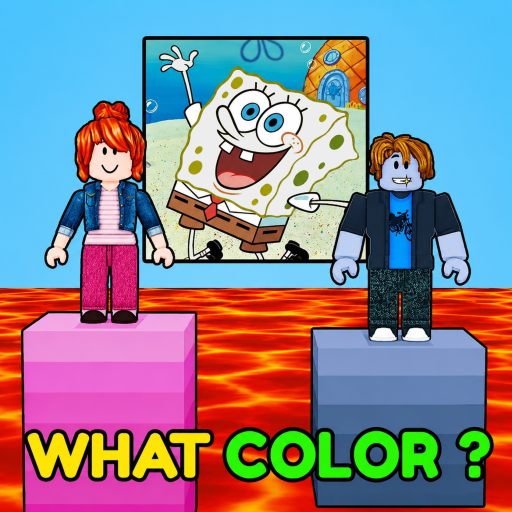
CharacterColorRace
Guide

How to Pick Closer Colors in Character Color Race

Use hue, lightness, and saturation checks, mobile selection habits, and Color Lab practice without claiming an official game formula.

Character Color Race color pickerUpdated guide
Quick answer

A visible hue-lightness-saturation method, mobile selection habits, Color Lab practice task, formula limitation, stuck-state help, and FAQ.

Start here when this is the exact player task you searched for. The sections below turn the question into steps, checks, and next pages.

Identify the broad hue family, compare lightness, then adjust saturation. On mobile, make one deliberate change at a time or type a six-digit hex value. Practice the target and guess in Color Lab; CIEDE2000 is independent practice because the game formula is unknown.

Character Color Race color picker method: use those three checks for a closer color guess, then open Color Lab to compare the pair.

This hue-lightness-saturation comparison method includes mobile practice tips, an explicit unknown game formula, and a Color Lab entry.

Walkthrough

How to use this page in-game

Use these blocks to decide what to check, what to avoid, and which next page helps before you spend time or resources.

Use a repeatable order: identify hue family, compare lightness, then adjust saturation before committing.

Character Color Race color picker

Character Color Race color picker

The official source says closer guesses earn more layers, but it does not publish the scoring metric or accepted target colors.

Character Color Race closer color guess

Character Color Race closer color guess
If you're stuck

Checks before you spend

  • Use the hex field or make one dimension change at a time; do not rely on tiny drag movements.
  • Check lightness and saturation as well as hue, and remember the practice model is not the game's private score.
FAQ

Common questions

Should I match hue or brightness first?

Start with the broad hue family, then compare lightness and saturation.

Does the game use CIEDE2000?

The developer has not published its color space or scoring formula; CIEDE2000 is used only for independent practice.

Can I enter colors on mobile?

Yes. The planned tool pairs a native color control with an editable six-digit hex field.

Are exact character colors included?

No. A sourced roster and canonical answer set are not available.

Related pages

Where to go next

Open the next page that matches what you are trying to do in-game.